
Every Crafted Carvings piece with a tag opens its own page. Here is how to make that page yours, free to try for 30 days.
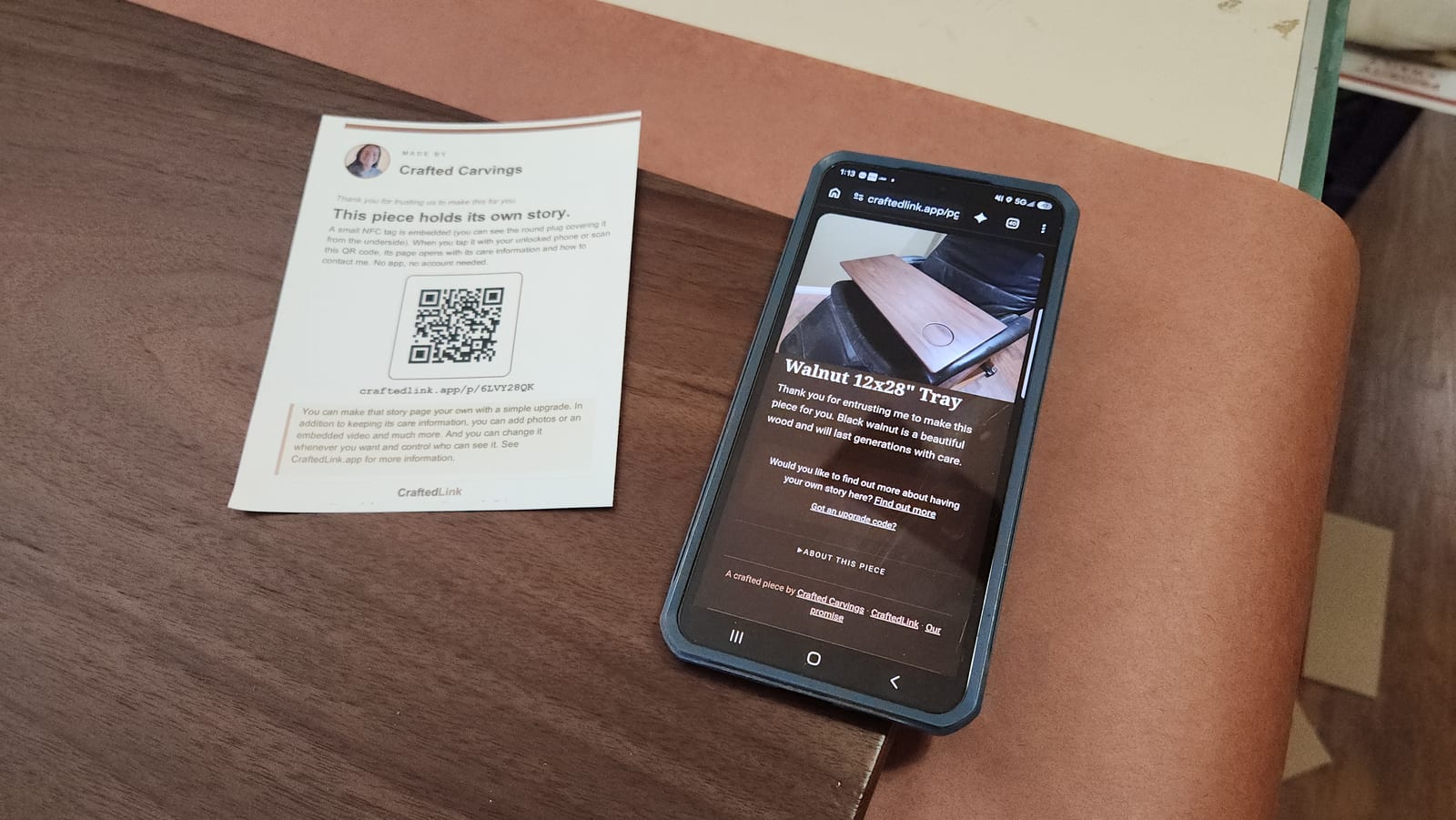
If you bought one of my pieces this fall, there is a small tag set into it. Look on the underside for a round plug. Tap it with your unlocked phone, or scan the code on the card that came in the box, and a page opens. No app and no account.
Out of the box, that page is mine. It tells you what your piece is made of, how to care for it, and how to reach me. A lot of you have asked what else it can do, so here is the short version: it can become yours.
What "yours" means
You can turn the page into a keepsake that lives with the piece:
- photos of the people and places behind it
- the story, in your own words
- a timeline, a video, a recording in your own voice
- a guest book that family can sign
Tap a tray at Grandma's house and you see the summers at the lake. Tap a memorial piece and you hear a voice. That is the idea.
Build it first. Pay only if you decide to keep it.
Until now you had to choose a page size and pay before you had typed a word. That was backwards, and several of you told me so. Now it works like this:
- Tap your piece and enter your email. I send you a private link. You do not need an account or a card.
- Build your page. Add your photos, your story and anything else you like. A preview shows you exactly how it will look.
- Pay only if you decide to keep it. Choose a Snapshot, a Story or a Together page when you are happy with it. You see the price at checkout, before you pay.
Take your time
Your page saves as a draft while you work, a few seconds after you stop typing. Nobody can see a draft but you. It is kept for 30 days from the last time you saved it, and saving again starts the 30 days over. If you gave your email, you get a reminder a week before and a day before, so nothing disappears on you.
Close the tab, come back next week, and pick up where you left off.
Not sure which size you need?
Try more than one. The builder has a tab for each size, and each tab keeps its own draft. Build it as a Story, then see what a Together page would add. If you build a big one and decide on a smaller one, the builder shows you what will not fit and lets you choose what goes on the page.
Stuck? Ask me to look
Under the Save draft button there is a box: Ask my maker to look at this draft. Tick it, tell me what you are stuck on, and I will take a look and write back.
A few things worth knowing:
- I can only look. I cannot change anything on your draft.
- It stays open to me for 7 days, and you can untick the box to stop sharing it whenever you like.
- You can see whether I have opened it yet.
If your piece already has your page
Nothing changes, and nothing you built is touched. If you ever want more room, sign in to your account and choose Move up a level. It opens the next size with your page already copied in, so you can see it before you decide.
Lost the card?
The tag in the piece never needs the card. Tap it and the page opens. If your phone will not read it, write to me and I will send you the address.
Thank you for trusting me to make something for you. I hope the page ends up holding as much as the piece does.
— Jennifer